Solution
FreePBX modules and extensions
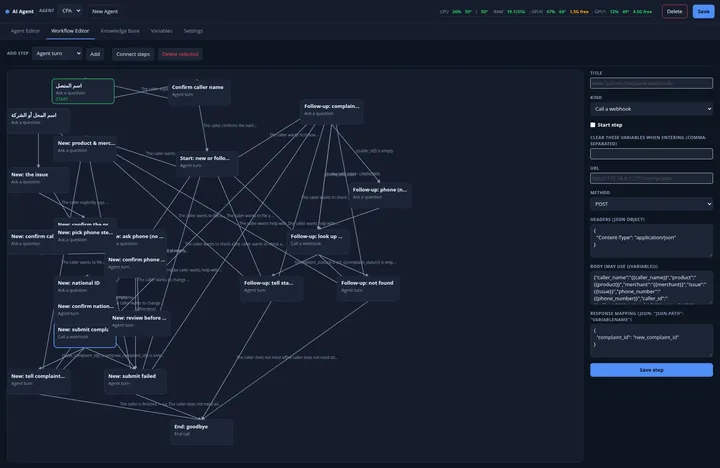
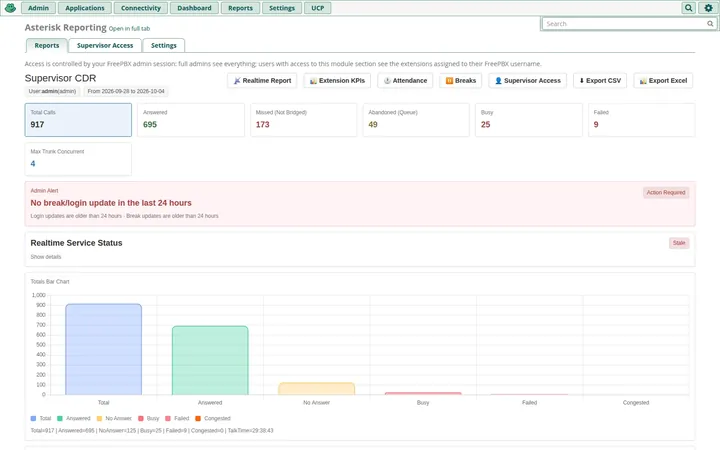
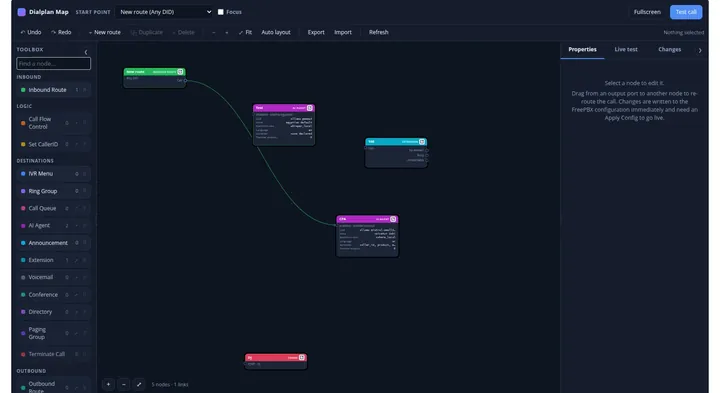
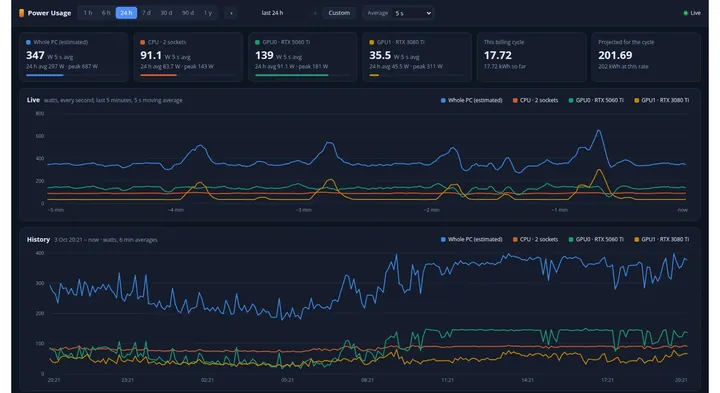
TechsMix sells FreePBX modules that install as standard FreePBX modules and work inside the FreePBX admin panel: a conversational AI voice agent, call reporting with live supervision, a live map of the whole call flow, power and cost monitoring for the AI server, and a FreePBX view of camera-based staff attendance.
Each is licensed with a one-time fee per server, and the module files are available to download from your account once payment is confirmed.
Who it is for
- FreePBX administrators and integrators who look after one or many PBXs
- Call centres that need reporting and live supervision of extensions and queues
- Businesses that want an AI agent to answer or route calls
Products
 Licence
AI Agent for FreePBXConversational voice agents for your PBX
$799 One-time fee per FreePBX server
 Licence
Asterisk ReportingCDR reports and live call-centre supervision for FreePBX
$299 One-time fee per FreePBX server
 Licence
Dialplan MapSee your FreePBX call flow, edit it, and test-call it live
$149 One-time fee per FreePBX server
 Licence
Power UsageElectricity use and cost for your AI Agent server
$49 One-time fee per FreePBX server
 Licence
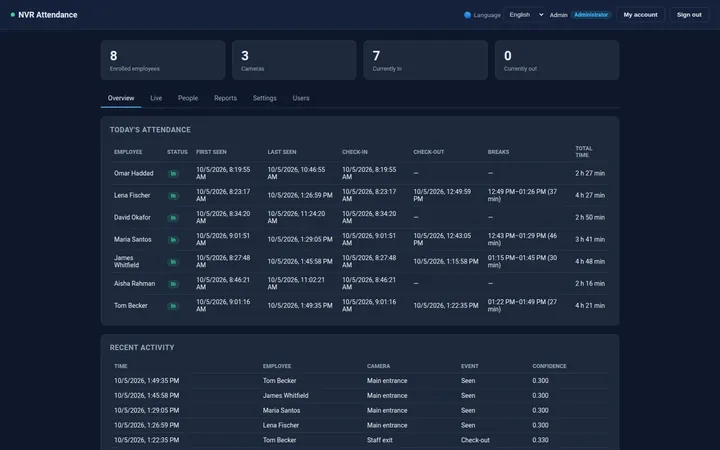
NVR AttendanceFace-recognition attendance from the cameras you already have
$50 One-time fee per server running NVR Attendance
Prices and requirements
| Product | Price (USD) | Requirements |
|---|---|---|
| AI Agent for FreePBX | $799 – One-time fee per FreePBX server | FreePBX 17 / Asterisk 21; an LLM (Ollama server, or an OpenAI or Anthropic key); speech-to-text and text-to-speech services or cloud keys – not included |
| Asterisk Reporting | $299 – One-time fee per FreePBX server | FreePBX 14–17 with Asterisk, MySQL/MariaDB CDR, Python 3.6+, internet access for the first pip install |
| Dialplan Map | $149 – One-time fee per FreePBX server | FreePBX 17, Asterisk 13+; the stock Asterisk Manager account; sox optional for non-WAV audio uploads |
| Power Usage | $49 – One-time fee per FreePBX server | AI Agent module 1.53.0 or later with its control daemon running on the services host; NVIDIA GPUs with nvidia-smi for GPU readings |
| NVR Attendance | $50 – One-time fee per server running NVR Attendance | Linux with Python 3.10+; IP cameras or an NVR with RTSP or ONVIF; FreePBX 14 or later only for the optional module |
Frequently asked questions
Which FreePBX versions are supported?
AI Agent and Power Usage need FreePBX 17. Dialplan Map is built for FreePBX 17 and also supported on 15 and 16. Asterisk Reporting runs on FreePBX 14, 15, 16 or 17. The optional NVR Attendance module needs FreePBX 14 or later.
How are the modules installed?
They are standard FreePBX module files: upload them in Admin → Module Admin → Upload Modules, or install them with fwconsole. AI Agent installs as a third-party module, so FreePBX shows it as unsigned.
How do I receive a module after buying?
Once your payment is confirmed, the module file is available under My Account → Downloads on the shop, with installation instructions. That is why ordering a module needs a customer account.
Is there a subscription?
No. Each module is a one-time fee per server, with no recurring charge. Volume pricing for two or more servers is shown in each product's price box.
Does Power Usage work on its own?
No. It is an add-on for the AI Agent module, version 1.53.0 or later, and will not install without it.